Sudoku without ads, in every version
A quiet puzzle game should not come with banners, videos and pop-ups. Here is how to find a sudoku app with no ads, and what that looks like in Hush.
Sudoku is meant to be a quiet game, and ads break that quiet. Players often describe the same moments as the worst: a full-screen video right after finishing a puzzle, or a banner that appears just as they are concentrating on a tricky row. This page explains what “ad-free” can mean in practice, what to check before you install, and how Hush approaches it.
Finding an ad free sudoku app
Not every “no ads” claim means the same thing. In practice, ad-free sudoku apps fall into three groups, and knowing which one you are looking at helps you compare them fairly.
Free app, paid ad removal. You download the app for free and pay once to switch the ads off. Sudoku.com lists a “No Ads” in-app purchase at $14.99 in the US App Store at the time of writing. Brainium Sudoku lists a “Remove Ads” in-app purchase at $11.99 (US). Until you buy it, the free version of each app shows ads.
Ad removal by subscription. Some apps sell ad removal as a recurring plan. PeopleFun Sudoku lists an “Ads Free Subscription” at $2.99, but its listing does not show the billing period. Check that in the App Store before you buy.
No ads by design. The app has no ad placements at all, in the free levels or after any purchase. Hush is in this group.
A quick checklist before you install
You can check most of this in a few minutes, even if you never choose Hush.
- Read the label. Look for “Contains Advertising” or a similar note on the listing.
- Look at the in-app purchases. Is there an ad removal option, and is it a one-time purchase or a subscription? Words such as “subscription” or “weekly” point to a recurring charge.
- Read the privacy label. It shows the data an app collects and whether any of it is used for third-party advertising. At the time of writing, Good Sudoku’s listing shows data used for third-party advertising.
- Try a few puzzles. Finish one and notice what happens next. The moment right after a puzzle ends is where many players first notice ads.
How Hush stays ad-free
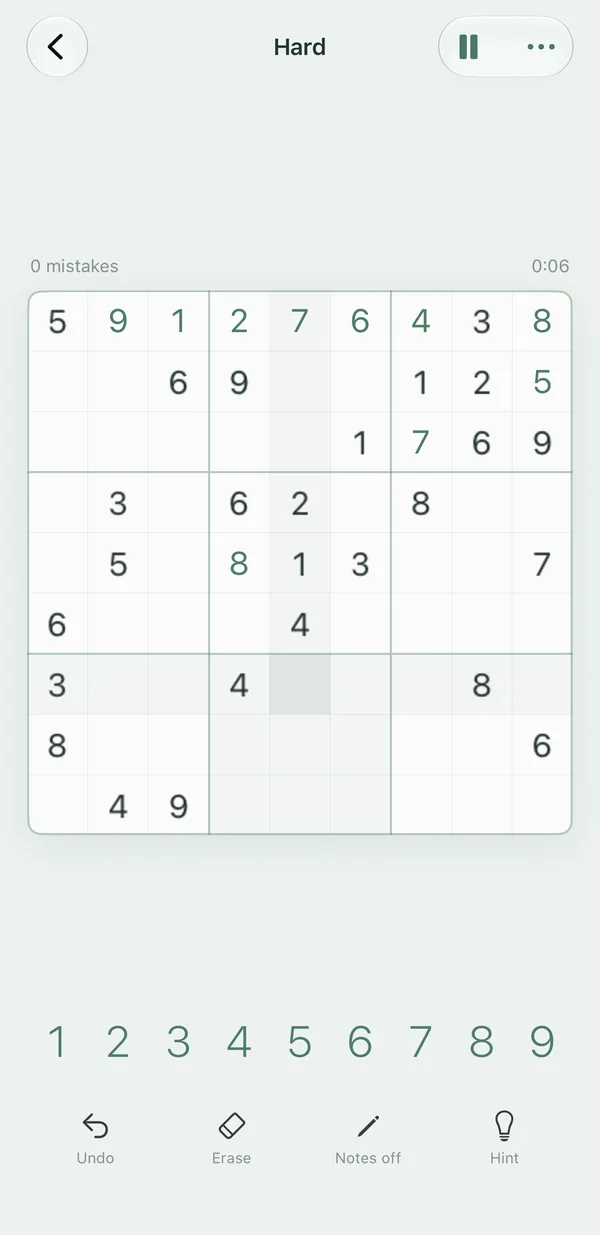
Hush has no ads, in any version. That includes:
- No banners. There are none while you play.
- No videos after a puzzle. Finishing a puzzle does not start a video.
- No pop-ups. Nothing interrupts a game to show an advertisement.
The free levels are ad-free as well. Easy and Medium puzzles are unlimited, and the daily puzzle is free every day.
How Hush pays for itself
An app with no ads still has to be funded. Hush is funded by one optional purchase and by voluntary tips. Hush Plus costs $4.99 once and unlocks unlimited Hard and Expert puzzles, plus all colour moods.
The tips, called A Tea, A Breakfast and A Dinner, unlock nothing. They are a way to say thanks, and you do not need them to play.
Hush Plus is not a subscription. The subscription page explains exactly what is free and what the purchase covers.
Why data matters in an ad-free app
Ads are not only a visual problem. Some apps list data used for third-party advertising in their privacy label. Good Sudoku’s listing, at the time of writing, does this, and the app is widely praised for features such as auto-notes and highlights. If that matters to you, check the label before you install any app. The Good Sudoku alternative guide compares the two in more detail.
Hush’s privacy label reads “Data Not Collected.” It has no tracking, no analytics, no account, no sign-up and no email.
What Hush keeps on your device
Your game, your settings and your statistics (games played and solved, flawless solves, best and average time, day streak) stay on your iPhone or iPad. They are never uploaded, and there is no account to create. The only thing Hush asks Apple is whether you own Hush Plus – when you buy or restore it.
Ad-free and offline
Hush is fully offline. All puzzles ship with the app, so you do not need a connection to play. The only network use is Apple’s purchase system, when you buy or restore Hush Plus. If you travel a lot, the offline sudoku guide covers flights, trains and holidays in more detail.
Comparing ad-free options
| Hush | Sudoku.com | Good Sudoku | Brainium Sudoku (⋆Sudoku) | Sudoku – Classic Brain Game (PeopleFun) | |
|---|---|---|---|---|---|
| Download | Free – Easy, Medium and a daily puzzle, unlimited | Free | Free | Free | Free |
| Ads | None, in any version | Yes, in the free version | App Store privacy label lists data used for third-party advertising | Yes – listing says “Contains Advertising” | Yes – listing says “Contains Advertising” |
| Paid option | Hush Plus, one-time $4.99 (Hard and Expert unlimited) | “No Ads” in-app purchase, $14.99 | “Full Game Unlock” in-app purchase (about $4 at launch) | “Remove Ads” in-app purchase, $11.99 (US) | “Ads Free Subscription”, $2.99 (billing period not shown on listing) |
| Subscription | No | No subscription listed | No subscription listed | No subscription listed | Yes, for ad-free play |
| Platforms | iPhone, iPhone Duo, iPad (iOS 26+) | iPhone, iPad, Android | iPhone, iPad, Apple silicon Mac, Vision Pro | iPhone, iPad, Android | iPhone, iPad |
Competitor details from public App Store listings and price databases, checked November 2026. Prices vary by region and can change. Sources: App Pricing Lab – Sudoku.com in-app purchases; App Store – Good Sudoku by Zach Gage; TapSmart – Good Sudoku review; App Pricing Lab – ⋆Sudoku in-app purchases; App Store – ⋆Sudoku listing and reviews; App Store – ▻Sudoku – Classic Brain Game; App Pricing Lab – PeopleFun Sudoku.
The table compares the apps on this site with Hush. Ads, prices and listings change, so check the App Store page before you decide.
When Hush is not the right choice
- Platforms. Hush runs on iPhone, iPhone Duo and iPad, and needs iOS 26 or later. There is no Android, Mac or web version.
- Puzzle types. Hush is classic 9×9 sudoku. If you mainly want Killer Sudoku, Hush is not that.
- Social features. Hush has no leaderboards, events, trophies or multiplayer. Good Sudoku is widely praised for its global leaderboards and daily challenges, and Sudoku.com runs events. Those apps may suit you better if those features matter.
- A different route. If you already use an app you like, Sudoku.com and Brainium both offer an in-app purchase that removes ads. That can be the simplest option if you want to stay where you are.
Related reading
- The Sudoku.com alternative guide looks at ads and the mistake limit in one app.
- The Brainium Sudoku alternative guide covers the ad removal option in more detail.
- The alternative guides hub lists every comparison.
- The how to solve sudoku guide is a calm place to start if you are new to the game.
- The sudoku tips for beginners cover what to do when a puzzle feels stuck.
- The Learn hub explains the techniques behind each difficulty level.
Frequently asked questions
Is there a sudoku app with no ads at all?
Yes. Hush has no ads in any version: no banners, no videos after a puzzle and no pop-ups. The free levels are ad-free too.
Do ad-free sudoku apps always cost money?
Not always. Hush is free for Easy and Medium puzzles and the daily puzzle. Its optional Hush Plus purchase costs $4.99 once and unlocks unlimited Hard and Expert puzzles. Some other apps sell ad removal instead, such as Sudoku.com's No Ads purchase, which its listing showed at $14.99 at the time of writing.
How can I tell if a sudoku app has ads before I install it?
Read the App Store listing. Some listings show a label such as Contains Advertising. The in-app purchases section shows any ad removal option, and the privacy label shows whether data is used for third-party advertising.
Does Hush collect data for advertising?
No. Hush collects no data, uses no tracking and has no analytics. Its App Store privacy label reads Data Not Collected.
Can I play ad-free sudoku without an internet connection?
Yes. Hush is fully offline, because all puzzles ship with the app. Its only network use is Apple's purchase system, which matters when you buy or restore Hush Plus.